
Download HiTV APK & iOS Free No VIP
K-Dramas in HD with English subtitles, ready to watch or download offline. Works on Android, iPhone, Smart TV and PC. And best of all: you don't need a VIP account or pay anything.
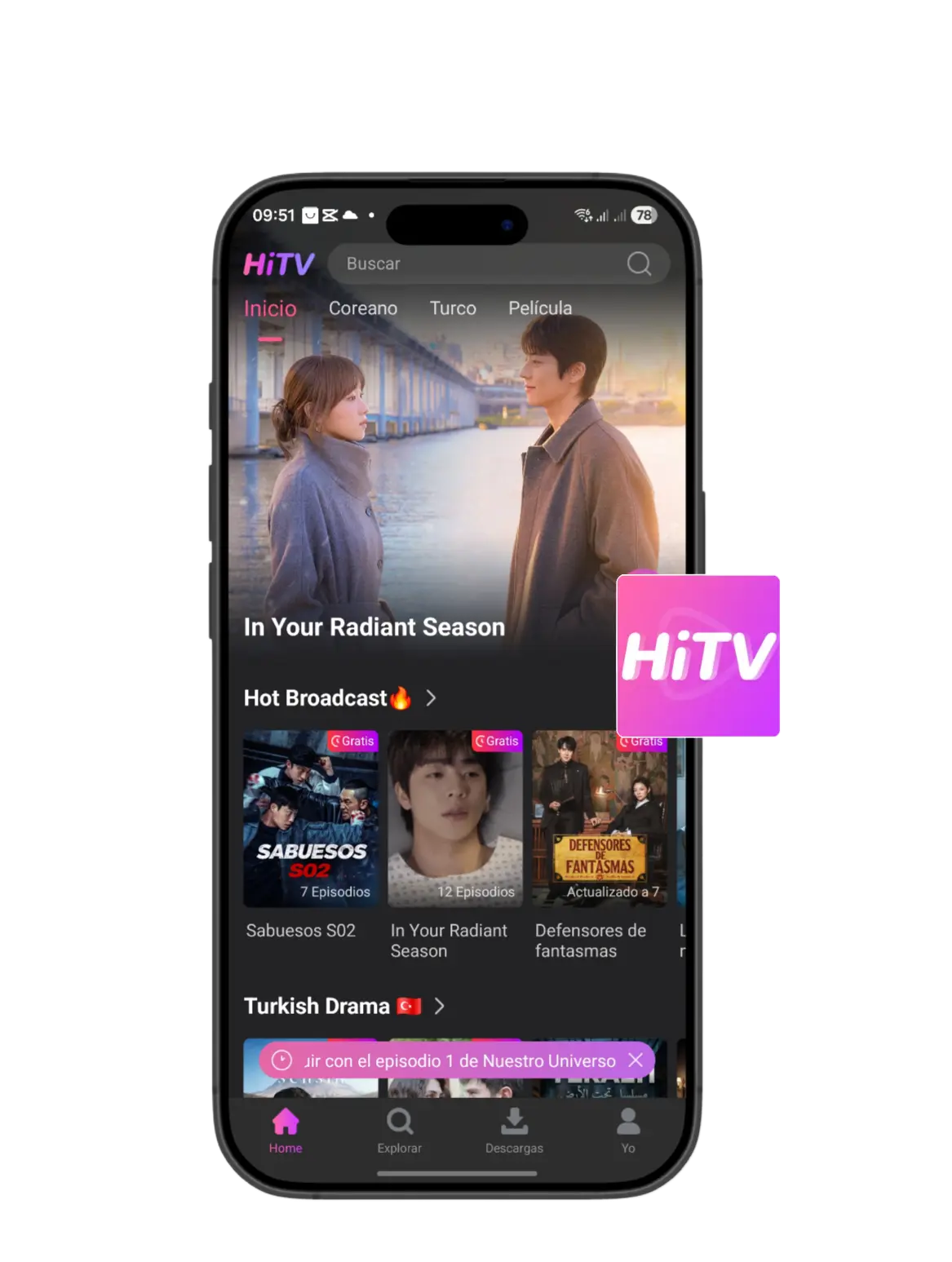
What is HiTV?
HiTV is a streaming app focused on Korean dramas, movies, and Asian entertainment. It allows users to watch content anytime with subtitles and offline support. Discover a world of high-quality entertainment at your fingertips.
Why Choose HiTV?
Korean dramas, Turkish series and more. This is how HiTV works.
Free HD Streaming
Watch K-Dramas and Asian series in HD quality. Without paying a penny.
No VIP Needed
No premium plans or VIP accounts. The entire catalog is open from the first moment.
Multi-language Subtitles
Subtitles made by people, not machines. In multiple languages.
Offline Downloads
Save episodes on your phone and watch them anywhere, even without wifi.
Multi-Platform
Use it on mobile, TV, or PC. You choose where to watch.
Daily Updates
New episodes and series uploaded every day. There's always something to see.
Download HiTV on All Your Devices
Start watching your favorite K-Dramas in less than two minutes.
How to Install HiTV
- Download: Click the "Download Now" button to save the file.
- Enable Sources: Go to Settings > Security and enable "Unknown Sources".
- Install: Open the downloaded file and tap "Install".
- Enjoy: Launch the app and start watching your favorite dramas.
- Download: Get the .exe setup file for Windows.
- Install: Run the setup and follow the on-screen instructions.
- Launch: Open the HiTV client on your desktop.
Installation for iOS is provided via the official Telegram channel link. Visit the link and follow the exclusive instructions for iPhone and iPad users.
Go to iOS Telegram LinkCommon Issues & Solutions
App not installing?
Ensure you have enabled "Unknown Sources" in your Android settings and have enough storage space.
Video not playing?
Check your internet connection or try switching the streaming server in the app settings.
Subtitles not showing?
Make sure to select your preferred language in the video player settings.
App crashing?
Clear the app cache or uninstall and reinstall the latest version from our site.